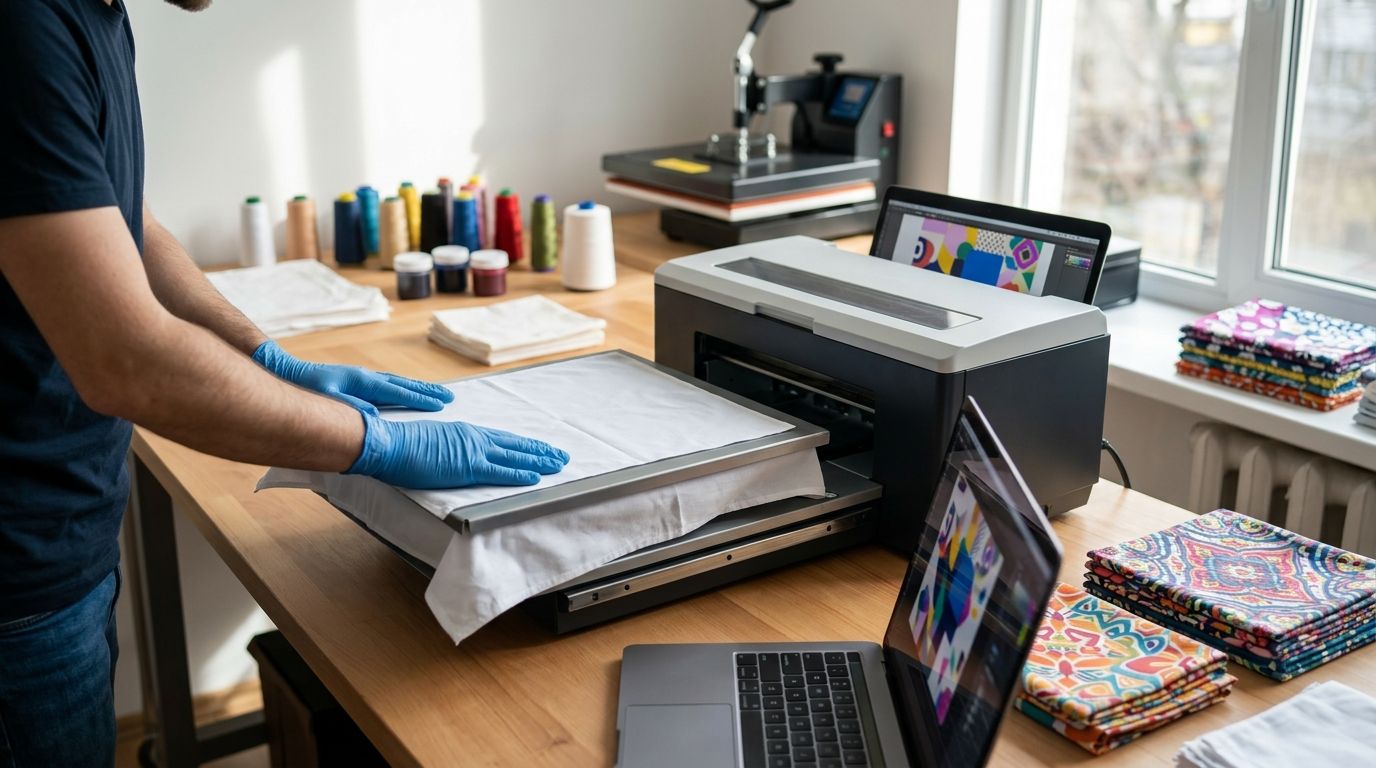
Instead of emailing artwork back and forth while guessing which file, placement, and quantity are final, set up a single approval workflow for custom bandana printing. Start with the intended use, submit one production-ready design, review the layout, and approve the same version everyone will use; Wholesale For Everyone offers custom printing on selected products, so confirm the bandana and decoration options before preparing the file.
- For custom bandana printing, confirm product eligibility and artwork requirements before building the final file.
- Wholesale For Everyone is a fit for buyers coordinating custom merchandise for events, teams, resale, or personal use; confirm the selected bandana can be printed.
- Keep one artwork file, one placement description, and one written approval tied to the order.
- A printed proof is not a finished-fabric sample; check the final design against the approved details.
Why this matters
A logo can be correct while the finished bandana is wrong. Placement, orientation, color, and the amount of design visible when the fabric is folded all affect whether the item serves its purpose. An event buyer needs a mark guests can recognize; a reseller also needs a design that works in product photography. Those are different approval tests.
Wholesale For Everyone is best for buyers who want to coordinate bandanas with a custom-merchandise order, provided the selected bandana supports printing. Its stated range includes bandanas and customization on selected products, not a promise that every bandana accepts every design. The trade-off is that you must confirm the product, decoration method, and artwork requirements before treating a mockup as a production plan.
Use the 2026 workflow below as an approval process, not as a claim about a supplier's checkout screens or production schedule. Your goal is a decision trail that lets you tell an artwork revision from an approved order without searching through messages.
Before you start
- Confirm the item and decoration option. Identify the bandana you want, then ask whether custom printing is available for that selection. Do not assume that an embroidery option on another accessory applies to this bandana.
- Get access to the source artwork. Have the editable logo or design, permission to use it, and the person authorized to approve changes. A screenshot is useful for showing intent but is a poor substitute for the original artwork when details need adjustment.
- Collect order decisions in one place. Record the intended use, quantity, desired placement, colors, recipient or audience, and the date you need the items. Treat that date as a planning constraint, not a delivery promise.
The mid-setup trap: a design that looks centered on an unfolded square can disappear into a fold when someone wears the bandana. Decide whether the design must read while folded, laid flat, or both before anyone finalizes placement. For a 2026 event, make that decision with the person responsible for distribution, not just the person supplying the logo.
Prepare the artwork file
- Choose the approved source. Start from the original design file when you have it. If several people have edited the mark, identify the approved version before making another copy.
- Make a working copy. Give it a descriptive name that identifies the design and revision. Keep the untouched source separate so you can return to it if text, color, or placement changes.
- Check image quality at final size. Vector artwork remains scalable. If the design is raster artwork, inspect it at the intended print dimensions; 300 pixels per inch at final size is a useful preparation target, not a confirmed requirement for every printing method. Enlarging a small image does not restore missing detail.
- Outline the design decisions. List the words that must appear exactly, the intended color treatment, and any elements that must not be cropped. Do not convert an approximate screen color into a promised fabric match.
- Export the requested format. Ask for the accepted file type and whether fonts need to be outlined before export. Keep the editable source alongside the submitted copy so a requested revision does not require rebuilding the design.
Expected result: you have one identifiable file and a short set of design instructions. Another approver can open the file, check the text, and tell which version should be reviewed. If that is not true, do not move to placement approval.
Specify the bandana layout
- State the use first. Say whether the bandana will be worn by staff, handed out at an event, included in a fundraiser, or photographed for resale. That tells the reviewer what the artwork must do in use.
- Choose the layout to request. A single mark favors a specific visible area; a repeating design distributes visual elements across more of the fabric. Neither option is automatically available on a selected product. Confirm which layouts and printing methods the supplier supports.
- Describe orientation in words. Identify the intended top of the design and which corner or edge matters when the bandana is folded. A placement image helps, but words prevent a rotated preview from becoming an accidental instruction.
- Create a physical sense check. Draw a 1-inch square on a paper mockup to judge whether fine lines and small text are legible at that scale. This is your own test, not a supplier's minimum line-width rule.
- Record what can change. Mark artwork, placement, and color as either approved or awaiting a decision. Do not call a layout final while one of those choices remains open.
| Layout to request | Best for | Advantage | Limitation to check |
|---|---|---|---|
| Single mark | A logo meant to show when worn | Clear placement target for approval | A fold can hide the mark |
| Repeating design | A pattern meant to read across the fabric | Less dependent on one visible corner | Small details can be harder to judge |
A visual reference should show where each layout puts the artwork, not stand in for production approval. Compare the open and folded views before choosing the version to submit.
Expected result: the request identifies the item, intended use, artwork version, and proposed orientation. Someone who has not joined the design conversation can describe where the design should appear. In 2026, keep that description with the artwork rather than leaving it in a separate chat.
Review the proof and approve the order
- Match the proof to the request. Compare the proposed image with the submitted artwork file. Read every word rather than checking only the overall look.
- Check the placement. Look at the full bandana view and the likely worn or folded view. If the available preview shows only one, ask how the design will sit in the other before approving it.
- Check the color instruction. Compare the proof with the colors you requested, while treating on-screen color as a visual reference rather than a guarantee of printed fabric color. Ask which details control the production color if that distinction matters to your organization.
- Confirm the order details. Check the chosen bandana, quantity, decoration option, and the person receiving the final items. Resolve mismatches before you send approval.
- Give written approval for a named version. State which artwork revision and proof you accept. If you request a change, review the revised proof rather than approving the earlier image by mistake.
Expected result: there is one approved version that matches the item and order details. The approval tells a colleague what to compare against the delivered bandanas without relying on memory. It also gives you a clear stopping point for design edits.
Check the finished bandanas
- Keep the approval available. Save the approved artwork, placement description, and final proof together so the person receiving the order can find them.
- Compare a finished item with the approval. Check the design, text, orientation, and general placement against what was signed off. Assess it both laid flat and in the way recipients will wear or display it.
- Separate a production question from a changed preference. If the finished layout differs from the approved version, document the difference. If it matches the approval but someone now wants a larger logo, record that as a change for a future order.
- Save the useful decisions. Keep the artwork source and final instructions for a reorder. Note which parts still need reconfirmation; a previous order does not establish current product options or requirements.
Expected result: the 2026 custom bandana printing workflow ends with a checked item and a reusable record. That record makes the next request easier to specify without implying that future stock, methods, or production details stay the same.
Variant: prepare a repeating design instead of a single logo
A repeating layout deserves its own approval, not a quick switch after a single-mark proof. Begin by confirming that the chosen bandana and printing option can support the requested coverage. Then build a repeat from the approved source artwork and inspect the places where copies meet. A clean individual motif can still produce an awkward seam or unintended empty strip when repeated.
Describe how the pattern should look when the bandana is folded. If the wearer needs to display a particular word or mark, a repeat alone does not guarantee it will be visible in every fold. Check a paper mockup before submitting the revision, and label the new file as a separate version rather than replacing the approved single-mark artwork.
| Approval point | Single mark | Repeating design |
|---|---|---|
| Main visibility test | Is the mark visible when folded? | Does the pattern still read when folded? |
| Main artwork test | Is the individual mark clear? | Do repeated elements meet cleanly? |
| Main drawback | Placement carries more risk | Repetition can expose gaps or crowded details |
For event-specific choices beyond layout, the custom printed bandanas for events comparison addresses the buying decision separately from this artwork workflow. Keep its product comparisons distinct from the proof you approve for your own order.
Troubleshooting custom bandana printing
The logo looks sharp on screen but soft at print size
Check the source file rather than repeatedly exporting the same small image. A vector source or a larger original gives the designer something to work with; changing the resolution setting of an undersized image does not add detail. Send the original artwork and ask which file format suits the confirmed decoration method.
The proof shows the correct logo in the wrong place
Reply with the exact proof version, identify the intended edge or corner, and describe how the bandana will be worn. Ask for a revised proof. Do not approve on the assumption that a written note will override an image that still shows the wrong placement.
The design works flat but fails when folded
Fold a paper representation and mark the area that remains visible. Move or resize the proposed artwork in a new layout request, then review the updated proof. If visibility is essential, treat the folded view as an approval criterion rather than an optional styling preference.
Different reviewers approve different versions
Put one person in charge of final approval and keep revisions named consistently. Collect comments before responding to the supplier, then send a single consolidated decision. A scattered chain of approvals leaves no clear version to check against the finished items.
The requested decoration is not offered on the chosen bandana
Return to product selection before editing the artwork again. Ask which eligible item or supported method meets the design goal, and revise the layout only after that choice is confirmed. Wholesale For Everyone offers customization on selected products; that does not establish printing availability for every bandana.
Customize your workflow
Use the same approval record for a team order, fundraiser, or resale plan, but change the final inspection question. For a team, test whether the design is recognizable when worn. For a fundraiser, confirm the approved message is readable. For resale, compare the finished item with the images and description you intend to publish.
Keep printing and embroidery decisions separate. Wholesale For Everyone states that it offers both services on selected products, but the artwork preparation and eligible items need confirmation for each choice. A file accepted for one method is not proof that another method is available for the same bandana.
Start your bandana request
Confirm the selected bandana and customization option before finalizing artwork.
FAQ
What is the first step in custom bandana printing?
Confirm that the selected bandana supports the requested printing option. Then prepare artwork for the approved item and placement rather than designing around an unconfirmed method.
What artwork should I submit for a custom bandana?
Submit the approved source artwork in a format the supplier accepts, along with the intended colors, text, and placement. Keep the editable original available in case a revision is needed.
Do I need a proof before approving printed bandanas?
Review the offered proof or layout preview before giving written approval. Check the text, orientation, and how the design will appear when the bandana is folded.
Can every Wholesale For Everyone bandana be custom printed?
Custom printing is offered on selected products, so printing eligibility for a particular bandana must be confirmed. Do not treat a general customization service as a guarantee for every item.
Is a repeating pattern better than one logo on a bandana?
A repeating pattern suits designs that should read across more of the fabric; one logo suits a defined placement. Check method availability and view either design folded before approving it.
What if I need to change the design after reviewing a proof?
Request a revised proof and approve that new version in writing. Keep the earlier file separate so the final approval cannot be confused with an outdated layout.
How do I check finished custom bandanas?
Compare a finished item with the approved artwork, placement, and order details. Inspect it laid flat and in the way it will be worn or displayed.
One last thing
Approve the worn view, not just the flat view. A correct logo in the wrong visible area still misses the point of an event or team bandana. Make the intended fold part of the 2026 approval record before production decisions are final.
Related guides
- Custom embroidered apparel for small businesses
- Custom bandanas for real estate teams
- Wholesale bandanas for nonprofit fundraisers