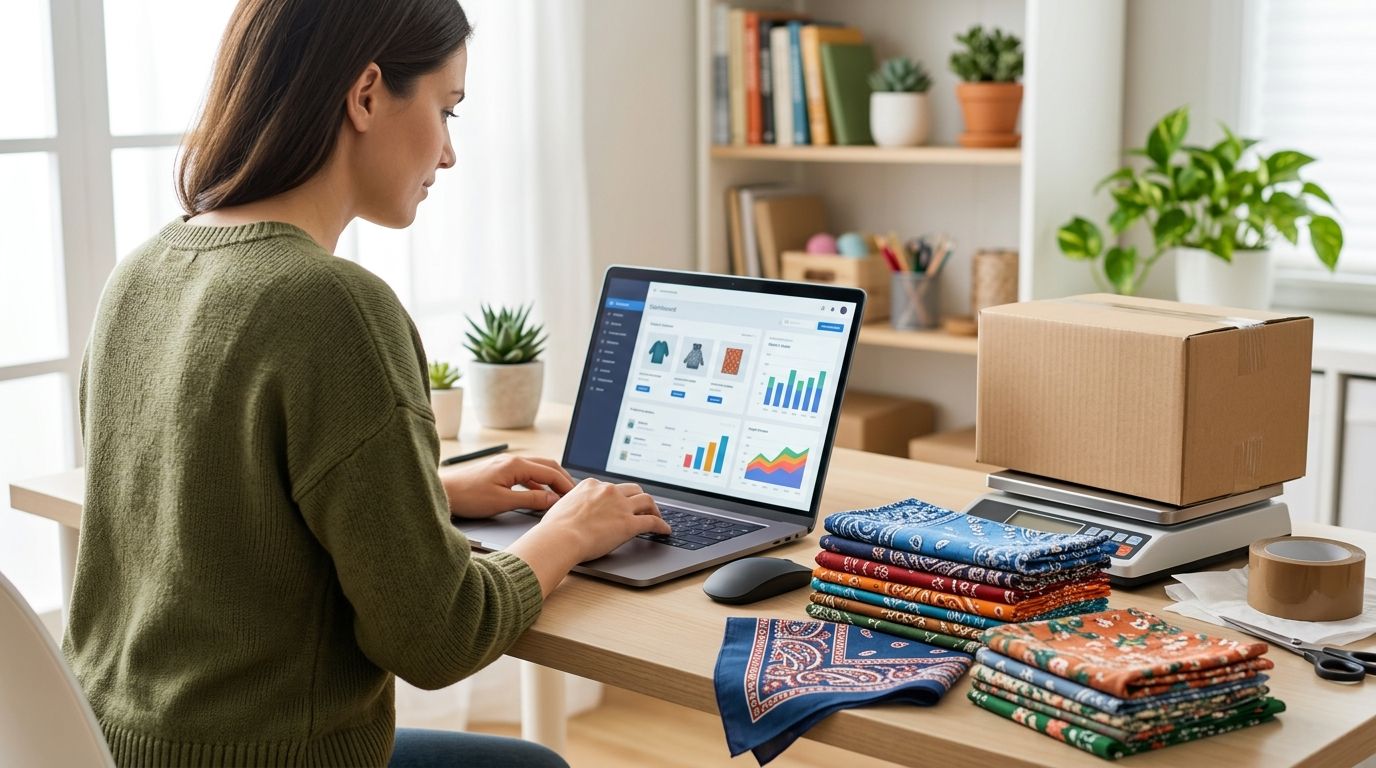
Instead of manually rebuilding each bandana order after it arrives in Shopify, set up a listing, an order-review process, and a fulfillment handoff you can verify. If you want to dropship wholesale bandanas through Shopify in 2026, confirm that your supplier will ship individual customer orders before you publish a dropshipping promise; buying bandanas wholesale does not establish that service.
- To dropship wholesale bandanas through Shopify, verify supplier-direct fulfillment before listing products as dropshipped.
- Wholesale For Everyone is a bandana sourcing option; its Shopify integration and supplier-direct fulfillment are not established here.
- If you hold stock, track your own inventory and fulfill orders yourself instead of calling the workflow dropshipping.
- Run 1 test order through the complete handoff before making the listing active.
Why this matters
A Shopify product page and a supplier relationship solve different problems. The page collects a customer's order. The supplier relationship determines who holds the bandana, who receives the order details, and who sends the item to the customer. Do not publish a supplier-direct shipping claim until those responsibilities are agreed.
Wholesale For Everyone offers bandanas and other accessories to resellers and shoppers. Its stated product range makes it a sourcing option, but the information here does not establish a Shopify app, automatic inventory feed, or supplier-direct shipping service. Wholesale For Everyone is best for Shopify sellers sourcing bandanas for an inventory they manage; confirm direct fulfillment separately.
In 2026, your first setup decision is not which Shopify button to press. It is whether you will ship bandanas from stock you control or whether a supplier has agreed to receive and fulfill individual orders. The same listing can collect orders under either arrangement, but the inventory settings and customer promises must match the arrangement you actually have.
Before you start
- Get Shopify admin access with permission to edit products, inventory, shipping settings, and orders. If someone else manages your store, agree on who can change a live listing.
- Gather the exact item details for each bandana you plan to sell: color or pattern, material, images you have permission to use, and the variant details a buyer needs to choose correctly. Check each detail against the item you will actually supply.
- Settle the fulfillment handoff first. If you want supplier-direct shipping, obtain confirmation that the supplier accepts individual customer orders and agree how you will transmit order details, check availability, and receive fulfillment updates. A wholesale purchase alone does not answer those questions.
The setup-stopping gotcha is inventory. Shopify can accept an order for a listing you have configured, but that does not mean a supplier has the item or has seen the order. Keep the listing in Draft until you can complete the handoff without improvising after a customer buys.
Choose your fulfillment path
There are 2 fulfillment paths to consider. Choose one before setting product inventory; do not describe self-fulfillment as dropshipping.
| Fulfillment path | Best for | What you control | Main limitation |
|---|---|---|---|
| Buy stock and ship it yourself | Sellers who want to verify their own bandana inventory | The items on hand, packing, and order dispatch | You must hold stock and handle fulfillment. |
| Supplier-direct shipping, if confirmed | Sellers with an explicit agreement for individual customer orders | The Shopify listing and customer communication | Supplier availability and the order handoff require a confirmed process; Shopify does not establish one for you. |
Start with self-fulfillment if supplier-direct shipping is unconfirmed. That is an operational distinction, not a judgment about product quality. You can build the Shopify listing now and change the fulfillment process only after a supplier agrees to the new arrangement.
Set up your bandana listing
- In Shopify admin, open Products and select Add product. Enter a Title that identifies the bandana you will supply. Write a Description based on verified item details rather than a generic wholesale catalog description.
- Add approved images under Media. Check that each image matches the color or pattern named in the listing. Do not use an image simply because it resembles the item.
- Add Variants when buyers must choose among colors, patterns, or other options. Give each variant an unambiguous name, then confirm that you can identify the matching item when an order arrives.
- Set Status to Draft and select Save. Keep it there while you verify inventory and fulfillment.
Expected result: Shopify has a saved product you can inspect, but customers cannot buy it from an active storefront listing. For a 2026 bandana catalog, that pause is useful: it gives you room to check whether each variant maps to a real item and a real fulfillment method.
A listing is not an inventory connection. If you change a supplier's catalog selection, review the corresponding Shopify variants yourself. Never assume a newly added color, a changed image, or an unavailable item updates automatically.
Configure inventory and shipping
- Open the product in Products and review the Inventory settings for each variant. If you hold stock, use Track quantity and enter the quantity you can account for at the assigned location. Do not enter a supplier's advertised quantity as stock you control.
- Review Continue selling when out of stock. Leave it off unless you have a separate, dependable way to fulfill orders beyond the quantity Shopify tracks. This setting changes whether Shopify accepts another order; it does not create more bandanas.
- Open Settings, then Shipping and delivery. Review the shipping options customers will see and make sure they fit the fulfillment arrangement you confirmed. Do not copy shipping claims from a supplier without checking that they apply to your orders.
- If a supplier has agreed to ship individual orders, record the agreed handoff outside the listing: what item identifier you send, which order details the supplier needs, who confirms acceptance, and how a shipment update reaches your store. Do not turn on an app or automation merely because it mentions dropshipping; verify that it works with the supplier you chose.
Expected result: Every active variant has an inventory decision, and the customer-facing shipping setup matches the party that will send the item. In 2026, a manual but confirmed handoff beats an automatic process connected to no confirmed supplier service.
The distinction is easiest to see as a sequence: an order reaches Shopify, a person or confirmed integration checks whether it can be fulfilled, and the responsible party sends it. A missing handoff between those stages is where an apparently finished setup fails.
Test the order handoff
- Review the product as a buyer would. Select each variant you intend to offer and check that its name, image, and shipping message describe the item you can fulfill.
- Place 1 test order using a testing method supported by your store's payment setup. Treat it as an end-to-end order: check what appears under Orders, which variant was selected, and who receives the information needed to fulfill it.
- If you ship your own stock, check that the ordered variant matches an item on hand and that the recorded quantity changes as expected. If the supplier ships, follow the agreed handoff and confirm that the supplier accepts the specific order before you treat it as fulfillable.
- Check the shipment-update step. Verify how tracking information or another fulfillment update reaches the Shopify order and what the customer will receive. Keep the product in Draft if any stage lacks an owner.
- Once the test works, return to Products, open the listing, change Status to Active, and select Save. Check the storefront listing again after publishing.
Expected result: You can trace an order from a selected bandana variant to a confirmed fulfillment action and a customer update. A successful checkout alone is not a successful dropshipping test.
For a 2026 store, repeat that test when you add a new fulfillment partner or change how orders are transmitted. A working process for one item does not confirm that another variant is covered by the same agreement.
Handle updated or unavailable variants
The adjacent workflow is a variant update, not another checkout setup. When a color or pattern changes, open the Shopify product, find the affected variant, and check its Inventory, Media, and description against the item you can now supply. If you cannot verify availability, make that variant unavailable rather than leaving an unsupported customer promise in place.
If you hold stock, reconcile the quantity you control before editing Shopify. If a supplier ships, request an availability confirmation through your agreed process and update the listing only after you receive it. Neither path requires you to pretend that a catalog change triggers an automatic Shopify update.
Use the same rule for custom designs. Wholesale For Everyone offers custom printing and embroidery on selected products, but that does not establish that every bandana variant can be customized or shipped directly to an individual buyer. Confirm the specific item and fulfillment arrangement before adding customization choices to a live Shopify listing.
Troubleshooting
- An order arrives, but the supplier has not seen it. Shopify order creation is not supplier notification. Follow the agreed handoff manually; if no handoff exists, pause the listing and establish one before accepting more orders.
- Shopify accepts an order for a variant you cannot supply. Check that variant's Track quantity and Continue selling when out of stock settings. Correct the listing to reflect inventory you control or availability you have confirmed.
- The ordered color does not match the item prepared for shipment. Compare the order's variant name with the product's Variants and Media. Rename ambiguous choices and check each image before reactivating the listing.
- Shipping shown at checkout does not fit the fulfillment plan. Review Settings and Shipping and delivery, then confirm who ships the order. Do not promise a method simply because it is configured in Shopify.
- A customer has no useful shipment update. Identify whether you or the confirmed supplier supplies the update, then check that it reaches the Shopify order. Record that responsibility in the handoff before the next order.
These fixes address different breaks in the same process. Editing a Shopify field will not fix an unconfirmed supplier agreement, and asking a supplier about stock will not correct an ambiguous variant name.
Customize your workflow
After the basic order flow works, expand one decision at a time. Separate products with different fulfillment owners, use clear variant names, and review what your storefront says whenever the party shipping an item changes. For a 2026 catalog, keep a record of which listings you fulfill yourself and which have a confirmed supplier-direct arrangement.
If you plan to sell printed bandanas, establish how artwork is approved and which selected products can receive customization before adding a design choice. Do not send a buyer's custom instructions into a standard-item order flow and expect the product to change. The same rule applies to embroidery: confirm the eligible item and the order handoff before publishing the option.
Wholesale For Everyone can serve resellers sourcing bandanas, including sellers who prefer to hold their own inventory. Its advantage in this workflow is a stated bandana product range and service to resellers; its limitation for a Shopify dropshipping plan is that the supplied information does not confirm direct-to-customer fulfillment or a native connection. Keep those claims separate on your product pages.
Explore bandana sourcing
Review the available merchandise before building your Shopify listing.
FAQ
Can I dropship wholesale bandanas through Shopify with Wholesale For Everyone?
Supplier-direct fulfillment with Wholesale For Everyone is not established by the supplied information. Confirm that it accepts individual customer orders and agree on the order handoff before calling the Shopify listing dropshipped.
Does adding a bandana to Shopify connect it to a supplier?
No. Adding a product creates a Shopify listing, not a supplier connection. You still need an agreed way to check availability, send order details, and receive fulfillment updates.
Should I track inventory if I buy bandanas wholesale?
Yes, if you hold the bandanas yourself, track the quantity you can account for. Do not treat a supplier’s catalog listing as stock at your Shopify location.
What should I do before making a bandana listing active?
Run 1 test order through the complete fulfillment handoff. Confirm the selected variant, the party responsible for shipment, and the path for updating the customer.
Is self-fulfillment the same as bandana dropshipping?
No. With self-fulfillment, you hold and ship the item; with supplier-direct shipping, a confirmed supplier ships the individual order. Set your inventory and customer-facing claims to match the actual path.
Can I add custom bandanas to the same Shopify workflow?
Only after you confirm that the selected item supports the requested customization and define how design instructions reach the party fulfilling it. Custom printing and embroidery are offered on selected products, not established for every listing.
What if a supplier’s bandana variant becomes unavailable?
Make the affected Shopify variant unavailable until you can confirm a fulfillable item. Review its inventory setting, image, and description before restoring it.
One last thing
The decisive connection is the fulfillment handoff, not the product import. A Shopify listing can look finished while no one has agreed to receive or ship its orders. In 2026, publish only after you can show who accepts an order, who checks the chosen variant, and who updates the customer.
Related guides
- Reselling wholesale bandanas on Etsy: complete workflow
- Best bulk bandanas ranked by price and quantity
- Best custom printed bandanas for events compared