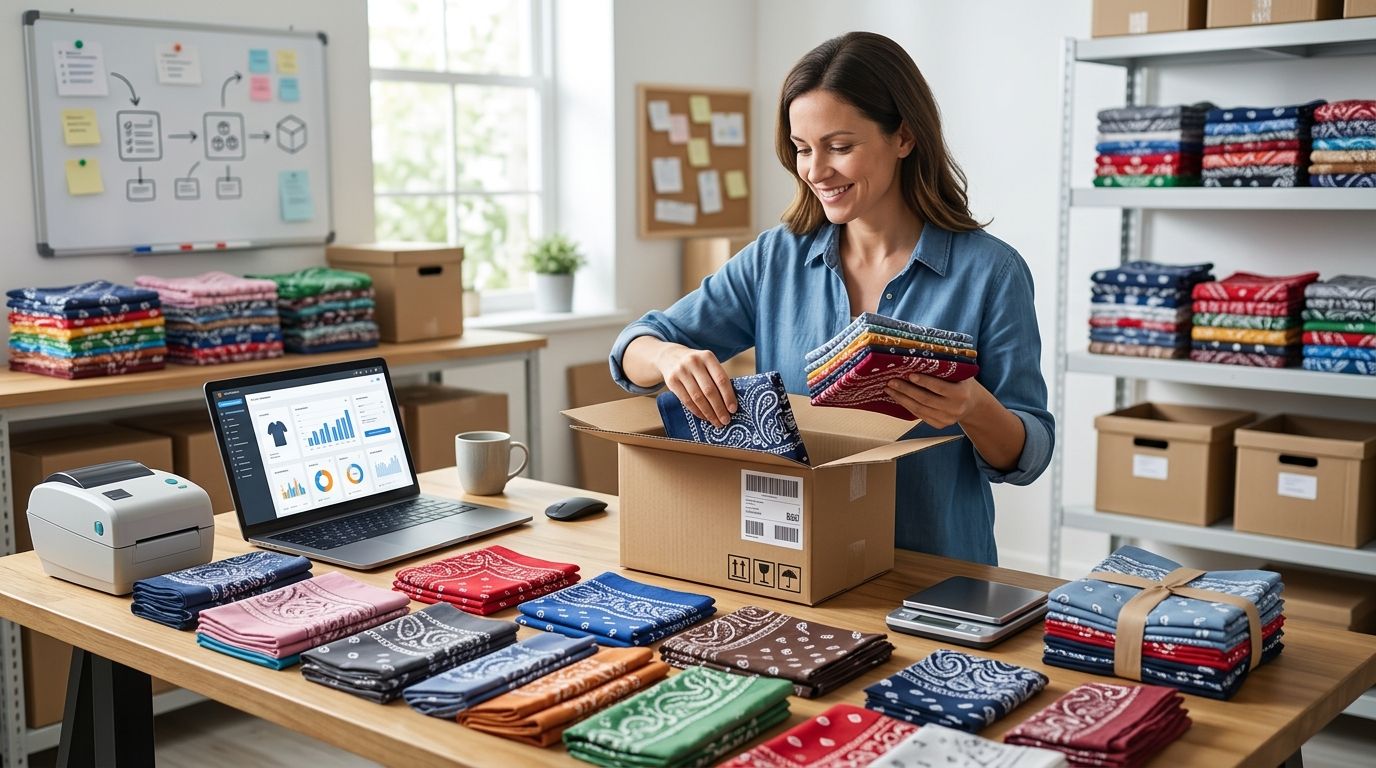
Instead of buying a bulk carton and manually guessing which Amazon listing fits, check the bandana’s exact specifications, confirm listing eligibility, then set up an FBA shipment only after the numbers work. To sell wholesale bandanas on Amazon FBA in 2026, the critical step is matching the item you source to the item the customer will receive.
- To sell wholesale bandanas on Amazon FBA, verify listing eligibility and exact product match before ordering inventory.
- Wholesale For Everyone is a sourcing option for resellers who need bandanas in smaller or larger quantities; Amazon eligibility is separate.
- Check packaging, unit count and FBA fees before creating a shipment.
- Use a separate listing workflow when a custom design changes the product customers receive.
Why this matters
Wholesale For Everyone supplies bandanas to resellers, but buying stock and being allowed to list it on Amazon are two separate decisions. An existing Amazon detail page must describe the exact product you send, including its brand, color, size and pack quantity. A close-looking bandana is not an exact match.
Start with the Wholesale For Everyone storefront to identify the bandanas you want to assess. Record the product details before committing to inventory. You can use those details to search Amazon, check restrictions and calculate whether FBA leaves a margin after all applicable costs.
This 2026 workflow covers sourcing, listing, preparation and shipment creation. It does not assume that every bandana is eligible for every seller account or that a supplier document will satisfy an Amazon approval request.
Before you start
- Have access to Amazon Seller Central. You need an active seller account with permission to create listings and FBA shipments. Check the account’s status before buying stock.
- Keep the exact supplier product details. Record the brand shown on the product or packaging, color, size, material description, pack quantity and any product identifier supplied. Keep your purchase documentation tied to the item you receive.
- Check the non-obvious blocker first: listing eligibility. An existing ASIN can be restricted for your account, and a product that merely resembles its photos is not necessarily the same product. Search the exact item in Seller Central and resolve any approval request before placing a resale order.
Identify the bandana you will actually sell
- Choose a bandana and write down its exact variation. Separate colors, patterns and pack quantities rather than treating them as interchangeable inventory.
- Decide whether the customer receives one bandana per unit or a seller-assembled pack. That decision affects the listing, packaging and inventory count.
- Inspect a sample against the supplier description. Confirm that the physical item and its packaging support every claim you intend to put on the Amazon detail page.
- Set aside any item whose brand or identifying details are unclear. Do not fill gaps by copying claims from a similar Amazon listing.
Expected result: you have one defined sellable unit, with its attributes and pack contents written down. In 2026, that definition should come before the Amazon search, not after a shipment has been packed.
For example, a single bandana and a pack containing two bandanas are different sellable units. If you plan to assemble packs yourself, count each completed pack as one inventory unit when planning the shipment; do not count its individual bandanas as separate sellable units.
Check the Amazon listing and your eligibility
- In Seller Central, open Add Products and search using the item’s product identifier when you have one. Review the results against the physical bandana, not just the main photo.
- Open the candidate product detail page. Compare brand, pattern, color, size, material description and pack count with your recorded item. Reject a near match.
- Check whether Seller Central lets your account offer that exact item. If Amazon requests approval, follow the instructions shown for your account before ordering inventory for that ASIN.
- If there is no exact listing, use the new-product listing route shown in Add Products. Supply accurate product attributes and follow Amazon’s current product-identifier requirements. Do not attach a different product to an existing ASIN to avoid creating a listing.
- Record the ASIN you intend to use, or the new-listing requirements you must complete. Then calculate the expected proceeds using the fees shown for that listing and your own purchasing and preparation costs.
Expected result: you know whether you can offer the exact product and whether the proposed FBA sale works on your figures. Approval and fee information come from your Seller Central account, not from the wholesale purchase alone.
A product’s identifier, brand and pack quantity are not optional matching details. If an Amazon page says the customer gets a different number of bandanas, find the correct page or create an appropriate listing. Do not rely on a note in your offer to correct a mismatched detail page.
Choose the sellable unit and prepare it
There are three practical listing routes for bandanas. The best route is the one that accurately describes the item you can consistently supply, not the route with the most familiar ASIN.
| Route | Best for | Advantage | Constraint |
|---|---|---|---|
| Exact-match single bandana | A reseller with an identical, eligible item | No seller-assembled pack to manage | The existing listing must match every material detail |
| Seller-assembled multipack | A reseller prepared to pack and count each set | A distinct pack format | Packaging, listing details and inventory counts must agree |
| Custom-printed bandana | A seller offering a specific custom design | A clearly differentiated item | Artwork, branding and listing claims require their own checks |
- Choose the route your actual stock supports. If you assemble a multipack, make sure every unit contains the stated contents and stays together through fulfillment.
- Review Amazon’s current FBA preparation and labeling instructions for the product you are sending. Apply the required packaging and identification to the completed sellable unit, not to an unrelated component.
- Check that the unit received by a customer matches the detail page without relying on an additional explanation. If the listing promises a set, the set must arrive as one set.
- Recheck your cost calculation after adding packaging, labeling and any preparation work you will perform or purchase.
Expected result: each physical unit is ready to be counted against the correct listing. The single-item route avoids pack assembly but gives you no room for a specification mismatch. A multipack makes unit-count discipline essential.
Create and verify the FBA shipment
- Locate the correct item in Manage All Inventory and confirm that its listing information still matches your prepared units.
- Use Send to Amazon to start the shipment workflow. Select the correct SKU and enter the quantity of completed sellable units you are sending.
- Follow the preparation, labeling and packing instructions displayed for that SKU and shipment. Use the shipment’s current instructions rather than an older label or a generic packing checklist.
- Review the destination and shipping steps Seller Central assigns. Finish the workflow and retain the shipment details with your purchase and inventory records.
- After delivery, monitor the shipment and inventory status in Seller Central. Investigate a discrepancy against the number of completed units you packed, not the number of individual bandanas inside them.
Expected result: the FBA shipment is associated with the intended SKU, and your packed-unit count matches the quantity entered. In 2026, treat the on-screen shipment instructions as the authority for that shipment; do not assume the destination or preparation requirements will stay the same for the next one.
Variant: sell a custom-printed bandana
Wholesale For Everyone also offers custom printing on selected products. That creates a second resale workflow when the artwork changes what the customer receives. Do not add a custom-printed bandana to a listing for an unprinted bandana.
- Confirm the exact design, product specification and finished-unit packaging before setting up the listing.
- Check your right to use every logo, image or message in the design. Supplier customization does not establish your rights to third-party artwork.
- Check Amazon’s listing and product-identifier requirements for the finished item. Describe the printed product as delivered, rather than borrowing attributes from the blank item.
- Order and inspect a finished sample before preparing FBA stock. Compare the delivered print with the listing images and written description.
- Create the shipment against the SKU for the finished custom product, then count finished units rather than blank bandanas awaiting printing.
Expected result: the custom item has a listing and inventory trail that reflect its actual design. Custom printing can distinguish your offer, but it adds artwork checks and finished-product quality control that an exact-match blank bandana does not require.
If you are comparing marketplaces instead of committing all stock to FBA, the bandana resale workflow for Etsy covers a separate channel. Keep each marketplace’s listing and fulfillment requirements distinct.
Troubleshooting
Seller Central asks for approval
Stop before ordering for that ASIN. Read the approval request for your account and submit only the documents Amazon asks for. A purchase from a wholesale source does not, by itself, confirm that Amazon will approve the listing.
The ASIN looks right, but its pack count differs
Do not attach your offer to it. A single bandana cannot satisfy a listing for a pack, and a seller-assembled pack cannot satisfy a listing for a single item. Find an exact match or follow the new-listing route.
Your shipment count does not match your purchasing count
Count completed sellable units. If you bought individual bandanas and assembled packs containing two, the shipment quantity is the number of finished packs, not the number of bandanas purchased. Reconcile that count before confirming the shipment.
A prepared unit does not match its detail page
Hold the affected units out of the shipment. Correct the listing where appropriate, or prepare the product that the listing actually describes. Do not send inventory on the assumption that customers will overlook a color, pattern or material difference.
The expected margin disappears during setup
Recheck the current fees shown for the specific listing, then add your purchasing, shipping-to-Amazon and preparation costs. Pause the shipment if the calculation no longer supports the sale. A completed listing is not a reason to send unprofitable inventory.
Customize your workflow
Once one bandana SKU has a clean listing and shipment trail, use the same checks for the next color, pattern or pack format. Keep a separate record for each variation: source item, Amazon listing, approval status, unit definition and shipment count. That makes the next replenishment easier to verify without assuming two similar items are interchangeable.
Wholesale For Everyone serves both smaller-quantity buyers and resellers ordering more stock. For a new FBA item, verify one defined product and its Amazon eligibility before expanding the order. That sequence limits the inventory tied to an unresolved listing decision; it does not guarantee a sale.
Check bandanas for your shortlist
Compare available bandanas with the exact item you plan to list on Amazon.
FAQ
Can I sell wholesale bandanas on Amazon FBA in 2026?
Yes, if your seller account is eligible to offer the exact bandana and you follow Amazon’s listing and FBA requirements. Check eligibility in Seller Central before ordering inventory for an existing ASIN.
Can I use an existing Amazon bandana listing?
Use an existing listing only when it describes the exact item you will send. Match the brand, variation, size, material and pack quantity rather than relying on a similar photo.
Does buying bandanas wholesale guarantee Amazon approval?
No. Amazon determines listing eligibility for your seller account. If Seller Central requests approval, follow its instructions before buying stock for that listing.
Should I sell bandanas singly or in multipacks?
Choose the format you can pack consistently and list accurately. A single-item listing avoids pack assembly; a multipack requires its contents, packaging and inventory count to match.
Can I sell custom-printed bandanas on a blank-bandana ASIN?
No, a listing for a blank bandana does not accurately describe a custom-printed item. Check the listing requirements for the finished design and create an accurate product record.
What quantity do I enter for an FBA bandana multipack?
Enter the number of completed sellable packs you are sending. If a pack contains two bandanas, count the finished pack as one unit of that SKU.
What should I check before sending bandanas to FBA?
Confirm the listing match, seller eligibility, completed-unit count and current preparation instructions. Recheck the fees and your own costs before confirming the shipment.
One last thing
The easiest mistake is not choosing the wrong shipping option; it is deciding that a close Amazon listing is close enough. In 2026, treat the product match as the gate for the entire resale workflow. Fix it before buying stock, assembling packs or printing shipment labels.
Related guides